
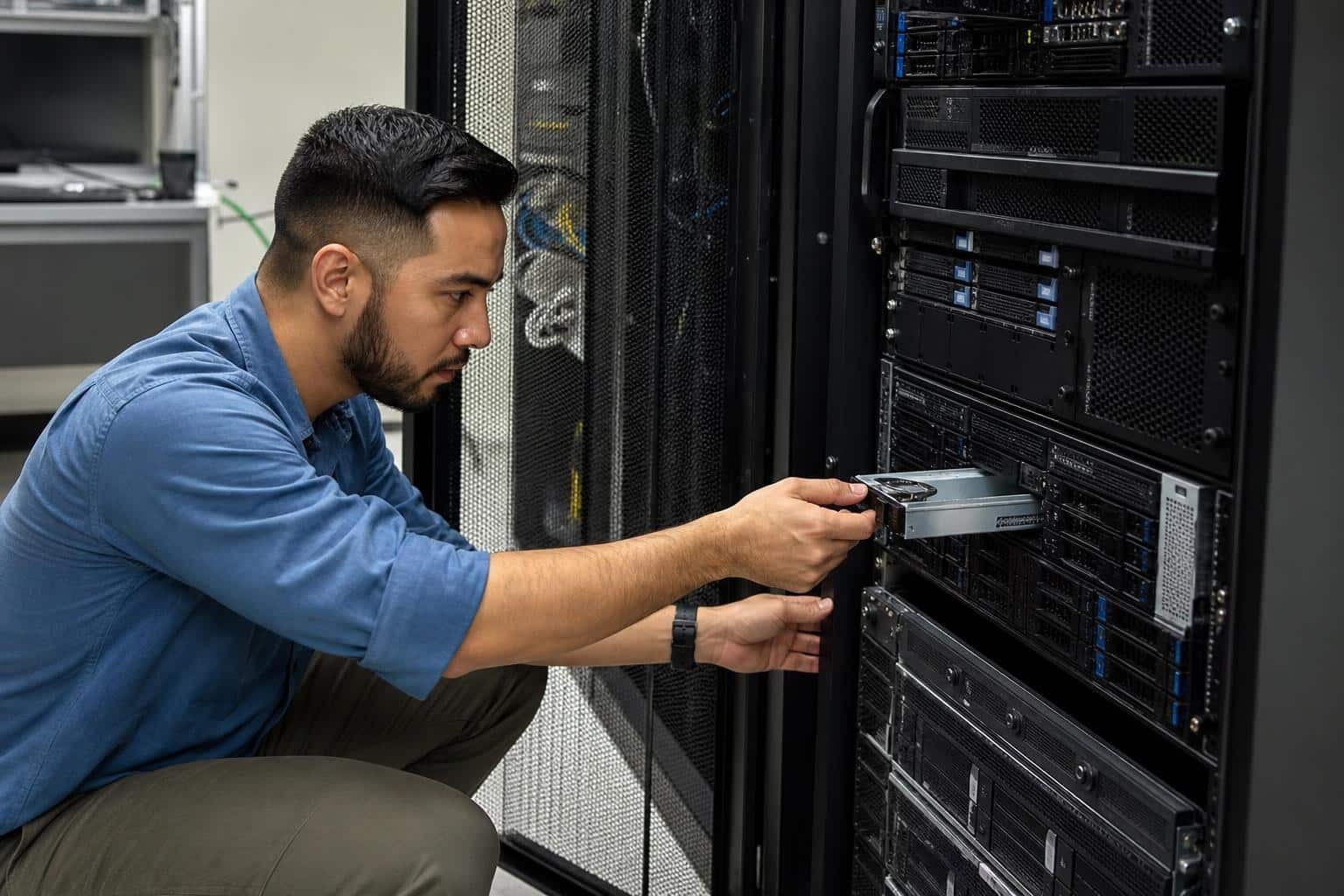
Every few years, someone declares the on-premises server dead. Then the cloud invoices arrive, a vendor changes its pricing model overnight, or an internet outage takes a business offline for six hours, and suddenly the closet full of humming hardware doesn’t look so old-fashioned.
For small and mid-sized businesses, the real question isn’t “cloud or no cloud.” It’s where each workload belongs and what that choice costs over five or seven years, not just the first twelve months. Affordable on-premises IT solutions, solid network connectivity, and practical cyber security can all fit inside a modest budget. That only works if you plan with total cost in mind rather than reacting to whatever pitch landed in your inbox this week.
What follows is a practical look at where owned infrastructure makes financial sense and where it doesn’t. It also covers how to secure it without hiring a five-person security team, and how to keep the whole setup from aging into a liability.
The Resurgence of Cost-Effective Local Server Infrastructure
The move back toward local hardware isn’t nostalgia. It’s arithmetic. A lot of businesses migrated everything to the cloud between 2015 and 2022, and many of them have since discovered that predictable workloads are often cheaper to run on equipment they own. A file server, an accounting database, or a line-of-business app used by 25 people doesn’t need elastic scaling. It needs to be on, fast, and reachable.
Modern hardware has made this easier than it used to be. A compact tower server or a small cluster of mini PCs can now handle virtualization, backups, and file sharing that once required a full rack. Power draw is lower, noise is manageable, and remote management tools mean you rarely need someone physically standing next to the box.
There’s also the control factor. When your data sits on your premises, you decide how it’s backed up, who touches it, and when updates happen. For businesses with compliance obligations or clients who ask pointed questions about data residency, that clarity has real value. Cost-effective local server infrastructure doesn’t mean abandoning the cloud entirely. It means bringing home the workloads that never needed to leave.
Evaluating Hybrid Cloud vs Private Data Center Costs
Most businesses that think carefully about this end up with a hybrid model. Email and collaboration tools stay in the cloud, while core data, internal applications, and backups live locally. The trick is deciding which side each workload belongs on, and that requires comparing costs honestly across a realistic timeframe.
Long-term Savings of Owned Hardware
Owned hardware has a front-loaded cost curve. You pay heavily in year one for servers, storage, a decent firewall, and a UPS, and then costs flatten out to power, maintenance, and occasional drive replacements. Spread across a five-year lifecycle, a well-chosen server often costs far less per month than renting equivalent capacity indefinitely.
The key is matching the purchase to actual needs. Overbuying is the most common mistake: a business with 15 employees doesn’t need dual high-end processors and 512 GB of RAM. Buy for your current load plus reasonable growth, and choose platforms that let you add drives or memory later rather than replacing the whole unit.
Hidden Fees in Public Cloud Ecosystems
Cloud pricing pages look simple until the bill arrives. The line items that catch people off guard tend to be the same ones:
- Egress charges: moving data out of a provider, whether to users, another service, or a backup location, often costs more than storing it.
- Storage tiers and snapshots: old backups and snapshots quietly accumulate and get billed every month.
- Premium support: the support you actually need during an outage frequently sits behind a separate subscription.
- Licensing add-ons: security features, logging retention, and advanced identity controls are commonly sold as extras.
- Idle resources: test servers that someone forgot to shut down keep billing until a person notices.
None of this makes the cloud a bad choice. It just means the sticker price is rarely the real price.
Managed Network Security for Small Business Budgets
Here’s an uncomfortable truth: a lot of small businesses run their entire operation through a consumer-grade router their internet provider installed years ago. That device is often the only thing standing between the business and the open internet, and it frequently hasn’t had a firmware update since installation day.
Budget-friendly security starts with a business-class firewall that supports regular updates, VPN access for remote staff, and network segmentation. Segmentation alone solves a surprising number of problems. Guest Wi-Fi, security cameras, smart TVs, and point-of-sale terminals should not sit on the same network as your file server.
If you don’t have in-house expertise, managed network security for small businesses is usually the sweet spot. A provider monitors your firewall, pushes patches, reviews alerts, and handles configuration changes for a monthly fee. You get professional oversight without paying a full-time salary.
When comparing providers, ask what they actually monitor, how quickly they respond to a real alert, and whether you retain admin credentials to your own equipment. That last one matters more than people expect. If the relationship ends badly, you don’t want to discover your firewall is effectively held hostage.
Calculating the ROI of In-House IT versus Outsourced Services
The ROI of in-house IT versus outsourced services depends heavily on your size and complexity. Start by listing every IT-related cost you currently carry: salaries or contractor fees, software licenses, hardware, downtime, and the hours non-IT staff lose to fixing their own problems. That last category is the one most businesses forget, and it’s often the largest.
A single in-house IT person brings deep familiarity with your systems, but one person can’t cover every skill area or be available every hour of every week. An outsourced provider offers breadth and coverage but less intimate knowledge of how your business actually operates. Many companies land on a blend: one internal generalist who handles daily needs, backed by an outside firm for security monitoring, projects, and after-hours emergencies.
Operational Control and Response Times
Response time is where on-premises setups paired with local support really show their value. When a server sits in your building and your IT person sits down the hall, a failed drive or a locked-out user gets fixed in minutes. With a remote provider, you’re working within a ticket queue and an SLA, which might mean a four-hour response window for anything not marked critical.
Control matters too. In-house staff can schedule maintenance around your busy season, prioritize the CFO’s laptop during month-end close, and make judgment calls without waiting for approval. Before outsourcing, get specific response commitments in writing, and make sure “critical” is defined in a way that matches what actually hurts your business.
Scalable Hardware Procurement and Lifecycle Management
Buying hardware is the easy part. Managing it over its full life is where budgets either hold steady or quietly fall apart. A clear procurement and lifecycle process keeps surprises to a minimum. Here’s a simple approach that works for most small businesses:
- Standardize models. Pick one or two laptop and server configurations and stick with them. Spare parts, imaging, and troubleshooting all get easier.
- Track every asset. Keep a spreadsheet or inventory tool with purchase date, warranty expiry, assigned user, and serial number.
- Set replacement cycles. Workstations typically run three to five years; servers and network gear often five to seven. Budget for replacements before they fail.
- Buy warranties strategically. Extended next-business-day support on servers is usually worth it. On cheap peripherals, it rarely is.
- Consider refurbished enterprise gear. Off-lease servers and switches from reputable resellers can deliver serious capability at a fraction of the new price.
- Retire hardware securely. Wipe or physically destroy drives before disposal, and document it.
The goal is turning hardware spending from a series of emergencies into a predictable line item. When the CFO knows that three workstations and one switch get replaced every year, nobody panics when the equipment finally wears out.
Future-Proofing Your On-Premises Security Strategy
Threats change faster than hardware does, so a security plan built in 2026 needs room to adapt. The fundamentals stay consistent, though, and most attacks on small businesses exploit basic gaps rather than exotic vulnerabilities. Focus on these first:
- Multi-factor authentication on every account that supports it, especially email, VPN, and admin logins.
- Offline or immutable backups that ransomware can’t reach, tested with an actual restore at least quarterly.
- Patch discipline for servers, workstations, firewalls, and switches, not just Windows updates.
- Least-privilege access so staff only reach the data their jobs require.
- Centralized logging so you can see what happened when something goes wrong.
Beyond that, build in flexibility. Choose firewalls and switches with ongoing vendor support commitments, avoid hardware that’s already near end-of-life, and revisit your setup once a year. Annual reviews catch configuration drift, forgotten accounts, and devices that slipped onto the network without anyone noticing.
Staff training rounds this out. A well-configured firewall won’t stop an employee from approving a fraudulent payment request after a convincing phone call. Short, regular sessions on phishing and verification habits cost very little and close one of the biggest gaps in any setup.
Pulling it all together, budget-friendly IT and strong security aren’t opposing goals. Owned hardware pays off when it’s sized correctly and managed across its full lifecycle. Hybrid arrangements let you keep the convenience of cloud tools without surrendering every workload to monthly fees. A business-class firewall, segmented network connectivity, and a capable managed security partner can protect a small company for far less than the cost of a single serious breach.
If you take one step this month, make it an honest inventory: every device, every subscription, every recurring cost. Most businesses find at least one forgotten expense and one unprotected system the first time they look. Fix those two things, and you’re already ahead of a surprising number of your competitors.
Leave a Reply