
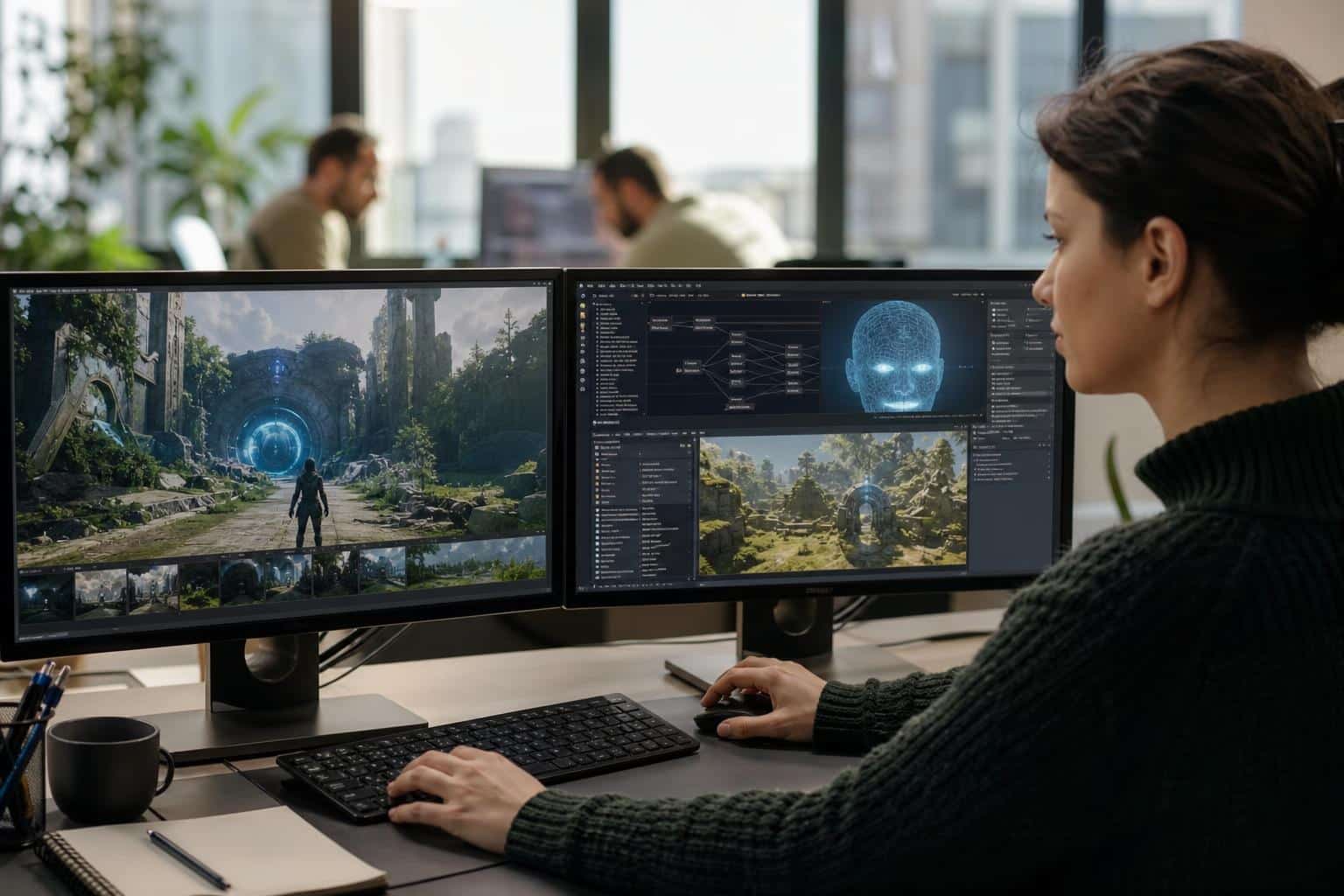
Open almost any browser game portal today and the front page probably looks different for you than it does for the person sitting next to you. The banner art, the featured titles, even the order of the menu items may have been assembled seconds before the page loaded, based on what you played last Tuesday and how long you stuck around.
That shift did not happen overnight. For most of the last two decades, web design for online games meant static layouts, hand-cut sprite sheets, and a lot of guesswork about what players wanted. Studios ran A/B tests that took weeks to produce a usable answer, and smaller teams often skipped testing entirely.
AI integration has compressed that cycle dramatically. Design decisions that once required a meeting, a mockup, and a sprint can now be informed by live player data and adjusted on the fly. The results are uneven, and some of the hype deserves skepticism. But the practical changes for designers, developers, and players are real, and they are worth understanding in detail.
The Evolution of Gaming Interfaces Through AI
Early web game interfaces were built around a single assumption: every player is the same player. A Flash-era portal had one homepage, one set of menus, and one tutorial flow. If 40 percent of new visitors bounced on the signup screen, the fix was a redesign that rolled out to everyone, months later.
The first wave of change came from rule-based systems. Designers wrote logic like “if the player is on mobile, hide the sidebar” or “if this is their third visit, skip the intro.” Useful, but brittle. Every rule had to be imagined, written, and maintained by a human.
Machine learning changed the starting point. Instead of designers predicting what players need, models observe what players actually do and surface patterns nobody thought to look for. A studio might discover that players who open the settings menu within the first 90 seconds are far more likely to quit, which suggests the default controls are the real problem, not the onboarding copy.
The interface stopped being a fixed artifact and became something closer to a living system. Today’s web game UI is often a framework of components that AI models arrange, prioritize, and tune continuously. Designers still define the building blocks and the visual language. What has changed is who decides how those blocks come together for each visit.
Hyper-Personalization of the Player Experience
Personalization used to mean putting a username in the corner of the screen. Now it touches nearly every layer of the experience, from what loads first to how difficult the next level feels. Two areas show the biggest practical impact.
Dynamic Content Adaptation Based on Behavior
Behavior-driven adaptation watches how someone plays and adjusts the page and the game around them. A puzzle player who consistently finishes levels quickly might see harder challenges promoted on the hub page, while someone who retries the same stage five times gets a hint button that appears a little more prominently.
This works best when the changes are subtle. Players notice and resent obvious manipulation, like a shop screen that suddenly pushes discounts right after a frustrating loss. The better implementations adjust pacing, highlight relevant features, and trim clutter without making the player feel watched.
Tailored Navigation and Recommendation Engines
Recommendation engines are where most portals first meet AI. Instead of a “Popular This Week” row that every visitor sees, the engine builds a shelf from signals like genre history, session length, time of day, and device type.
Navigation benefits too. Menus can reorder themselves so the features a player actually uses sit closest to hand. A competitive player might see leaderboards and ranked queues up front, while a casual visitor gets quick-play options. Good recommendation design also leaves room for discovery, mixing in a few wildcard picks so players do not get trapped in a narrow loop of the same three game types.
Generative Design and Automated Asset Creation
Asset production has always been one of the most expensive parts of building web games. Every button state, background variant, character portrait, and promotional banner needs to be drawn, exported, and sized for multiple screens. Generative tools now handle a large share of that grunt work.
Here is where teams are getting real value:
- Layout exploration: Designers describe a goal, like a tournament landing page for mobile, and get dozens of layout drafts to react to rather than starting from a blank canvas.
- Asset variations: One approved character design can be expanded into seasonal skins, color variants, and size formats in hours instead of days.
- Localized promo art: Banners can be regenerated with translated text and culturally adjusted imagery for different regions.
- Placeholder content: Prototypes get believable art early, so playtests reflect something close to the final feel.
The catch is consistency and ownership. Generated assets drift in style unless a human art director sets tight guidelines and reviews output. Licensing questions around training data also remain unsettled in several markets, which is why many studios restrict generative tools to internal drafts or train models only on their own art libraries.
The smartest teams treat these tools as a fast junior assistant. They speed up iteration, but the final call on what ships still belongs to someone with taste and accountability.
Optimizing Performance and Accessibility
A gorgeous interface means nothing if it takes eight seconds to load on a mid-range phone, or if a colorblind player cannot tell the red team from the green team. AI is quietly doing some of its most useful work in these less glamorous areas.
AI-Driven Load Balancing and Asset Compression
Browser games live and die on load times. AI-based systems can predict which assets a player will need next and preload them during idle moments, so the transition from lobby to match feels instant. On the server side, models forecast traffic spikes, like the rush after a new season launches, and shift resources before servers buckle.
Compression has improved as well. Learned compression methods can shrink textures and audio while preserving the details players actually notice, and the system can serve lighter versions to weaker devices or slow connections automatically. For a web game, that difference can decide whether a player on a train ever gets past the loading bar.
Enhancing Inclusivity with Intelligent UI Tools
Accessibility used to be a checklist many studios addressed late, if at all. AI tools now make several accommodations cheaper to build in from the start:
- Automatic alt text and audio descriptions for menus and static art
- Real-time captioning for voice chat and cutscenes
- Color palette checks that flag combinations problematic for colorblind players
- Adaptive control schemes that adjust to players with limited mobility
None of these replace testing with disabled players, which remains the only reliable way to find real friction. But they lower the barrier enough that smaller teams have fewer excuses.
Predictive Analytics for Retention and Engagement
Most players who quit a web game never say why. They just stop showing up. Predictive analytics tries to spot the warning signs before that happens.
Models trained on historical play data can flag patterns that tend to precede churn: shorter sessions, fewer social interactions, repeated failures at the same point, or a player who used to log in daily skipping three days in a row. Once a player is flagged, the design response can be targeted. That might mean surfacing a friend’s activity, offering an easier route through a difficult section, or simply sending a well-timed reminder about an event they previously enjoyed.
The design implications run deeper than retention emails. When analytics show that a large share of players stall at a particular level, that is often a design problem, not a player problem. Teams that use predictions to fix the underlying experience tend to see better long-term loyalty than teams that use them only to push offers.
There is an ethical line here, and players are increasingly aware of it. Using predictions to exploit vulnerable spenders, especially younger players, invites regulatory attention and community backlash. Regulators in several regions have been scrutinizing loot boxes and manipulative design patterns for years. The studios building lasting trust use engagement data to make games more fun, then let the business results follow.
The Future Landscape of AI-Driven Web Gaming
The next few years will likely bring interfaces that respond to natural language, so a player can type “show me co-op games I can finish in twenty minutes” and get a page built for that request. Expect more real-time difficulty tuning, AI-generated side content that keeps live games fresh between major updates, and smarter non-player characters that make even simple browser games feel less scripted.
The role of the designer will keep shifting too. Less time pushing pixels, more time defining systems, setting constraints, reviewing AI output, and protecting the creative identity of a game. Designers who understand both visual craft and how models behave will be in high demand.
Pulling it together, AI is changing game web design in four connected ways: pages that adapt to each player, faster asset production, better performance and accessibility, and data that reveals where experiences break down. None of it works on autopilot. The tools amplify whatever judgment sits behind them, good or bad.
If you build or run online games, start small. Pick one friction point your players complain about, apply an AI-assisted fix, and measure honestly. The studios that win will not be the ones using the most AI, but the ones using it with the clearest sense of what makes their games worth playing.
Leave a Reply